
Open source · Self-hosted · AGPL-3.0
Tools for your home lab.
Document every device on your network. Watch a greenhouse far from home. Build your own HomeKit devices from a visual canvas. Everything runs on your own hardware — no accounts, no cloud, no tracking.
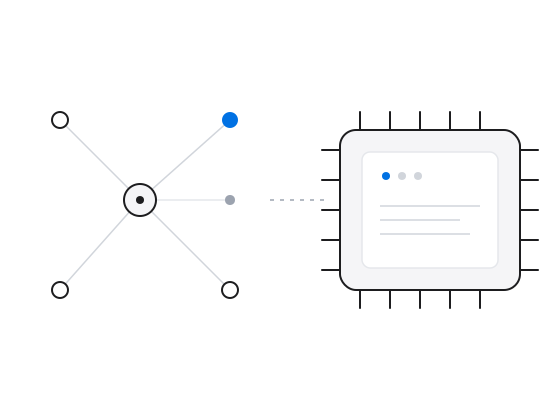
Most home labs live in a spreadsheet and a folder of screenshots. These tools replace both — for the wires and addresses, for the greenhouse far from home, and for the devices you build yourself.
Self-hosted · Multi-home · Network docs
Home Network Inventory
A web app that keeps track of every device, interface, IP, port, cable and Wi-Fi network across your homes. Runs on a Raspberry Pi, stores everything in SQLite.
Explore Network Inventory →Two homes, one interface
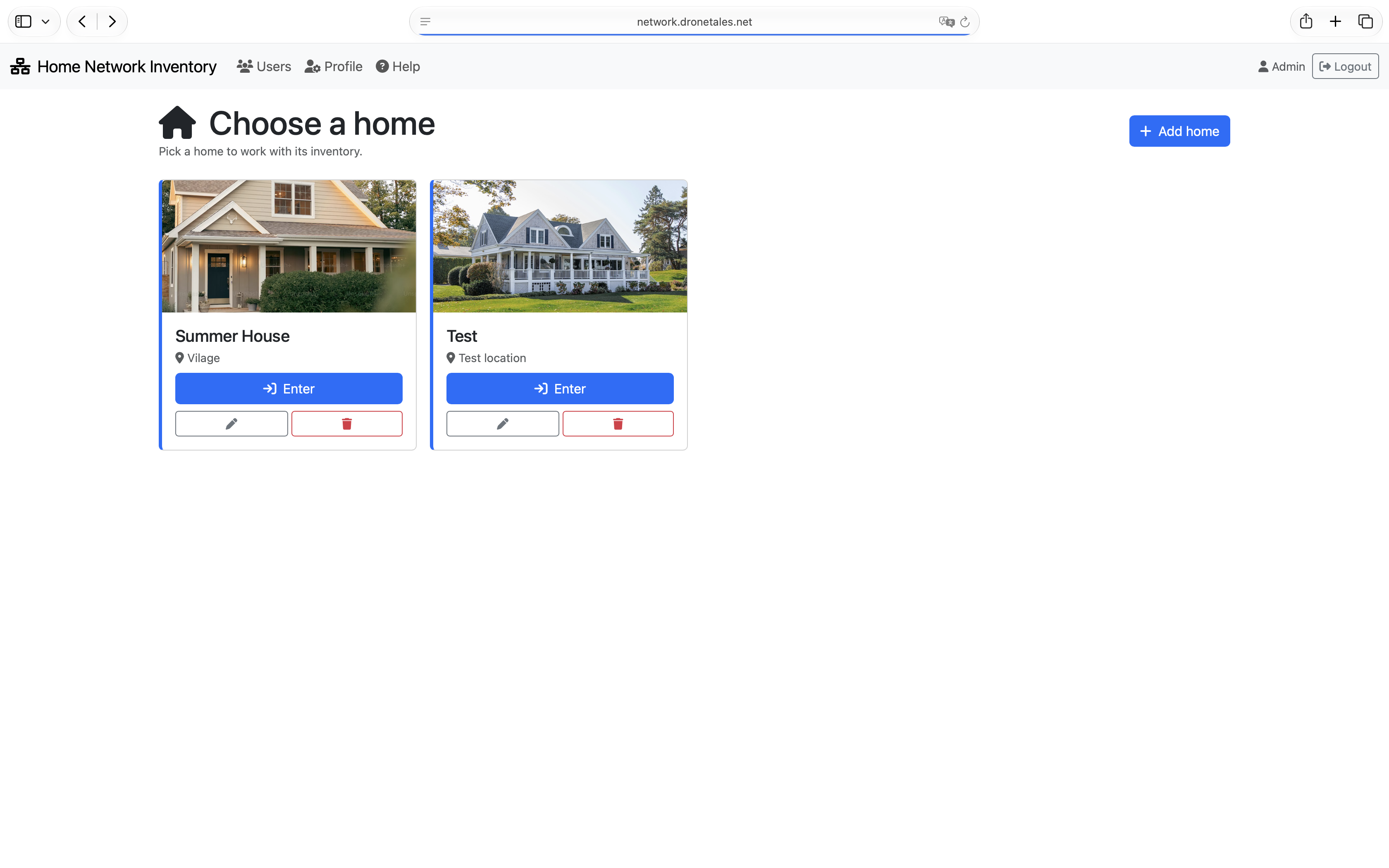
Sites separate your networks. Switch between them and see only what belongs there — devices, subnets, credentials, everything scoped.
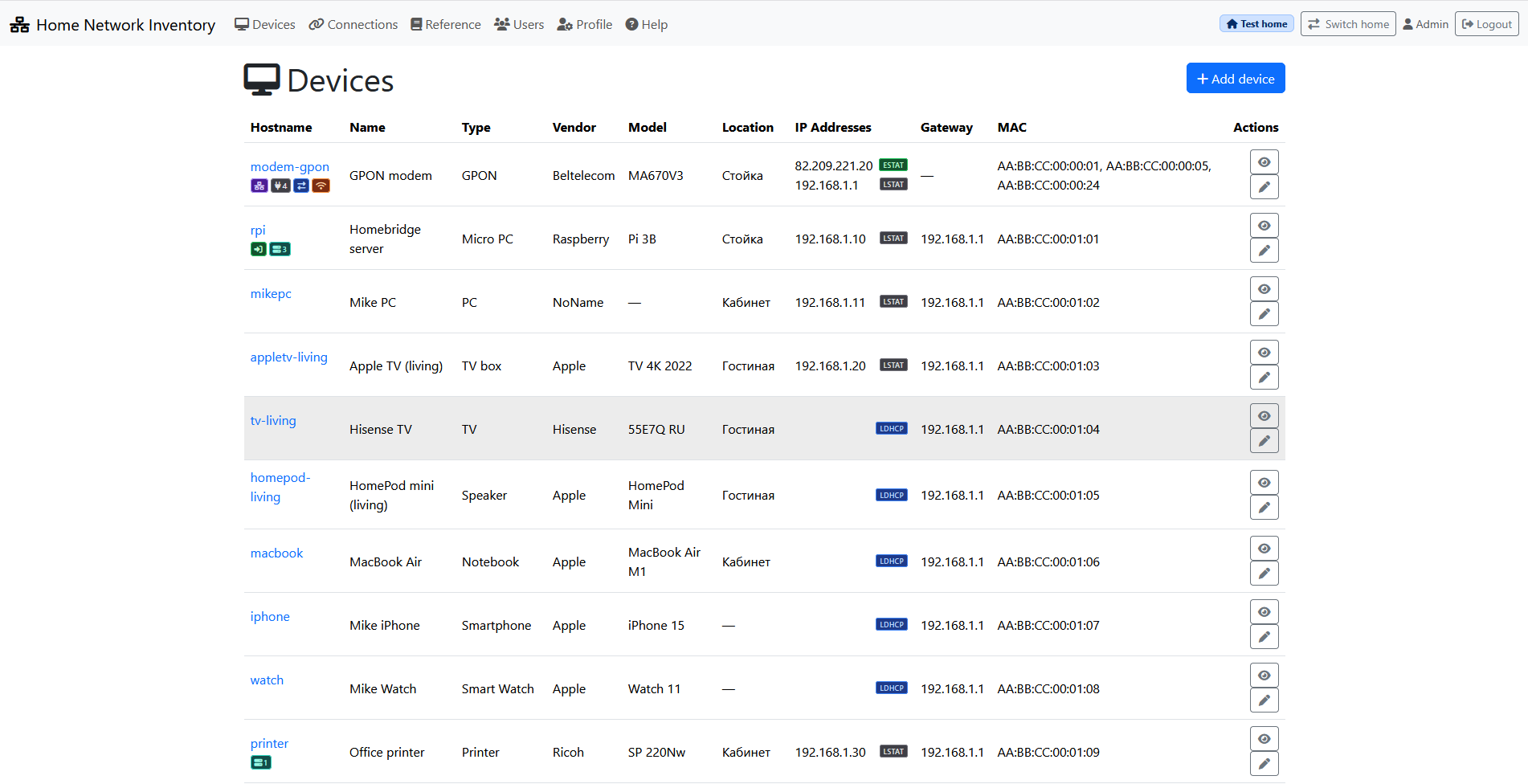
Every device. Every port. Every IP.
Devices, interfaces, MAC and IP addresses, physical ports and the cables between them. What is plugged where — drawn out, not guessed.
Passwords only for those who should see them
Credentials are stored once and shown per role. Admin and user accounts with flags for editing, viewing passwords, and changing them.
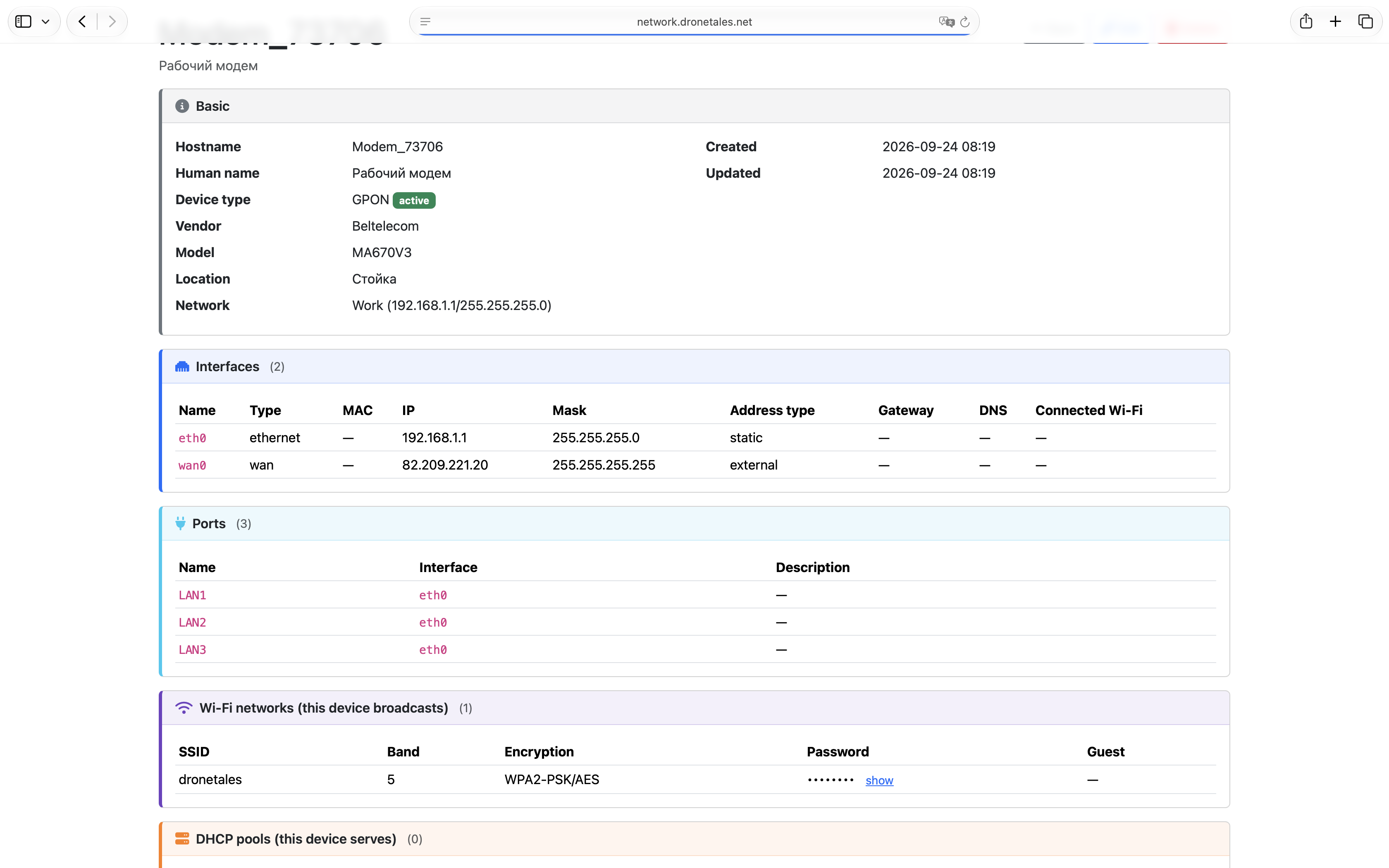
Also: Wi-Fi networks · DHCP pools · services · port forwarding.
ESP32 · GPRS · Apple Home
GreenHouse
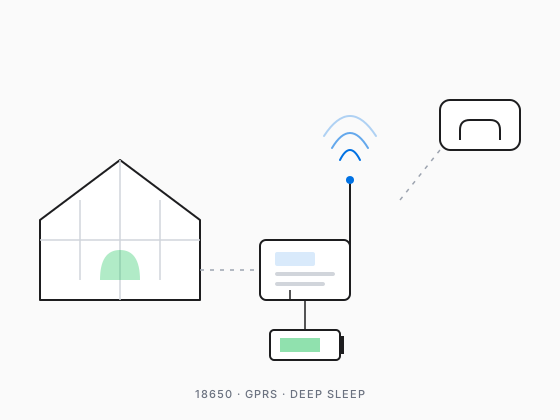
An off-grid controller for a greenhouse far from home. Battery-powered, talks over GPRS where there is no Wi-Fi, reads up to 10 temperature sensors, and reports them to Apple Home.
Explore GreenHouse →Works where Wi-Fi doesn't
Runs on a single 18650 cell and spends most of its life in deep sleep — waking every 15 minutes to read and report over GPRS.
Up to 10 sensors, one wire
DS18B20 sensors share a single OneWire bus. Addresses live on a microSD card — add or remove a sensor by editing config.txt, no reflashing.
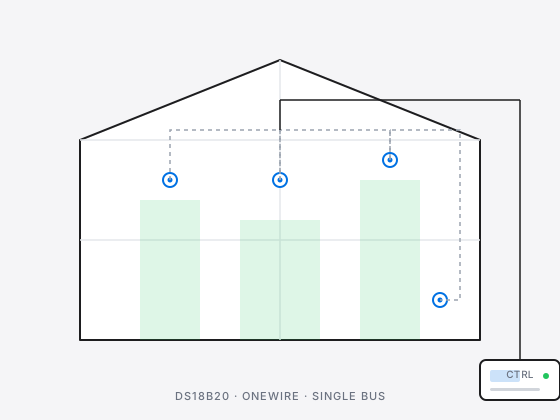
ESP32 · SIM7600 · DS18B20 · MQTT · HomeBridge · Flask · SQLite.
HomeKit · ESP32 · Visual builder
HomeSpan Visual Builder
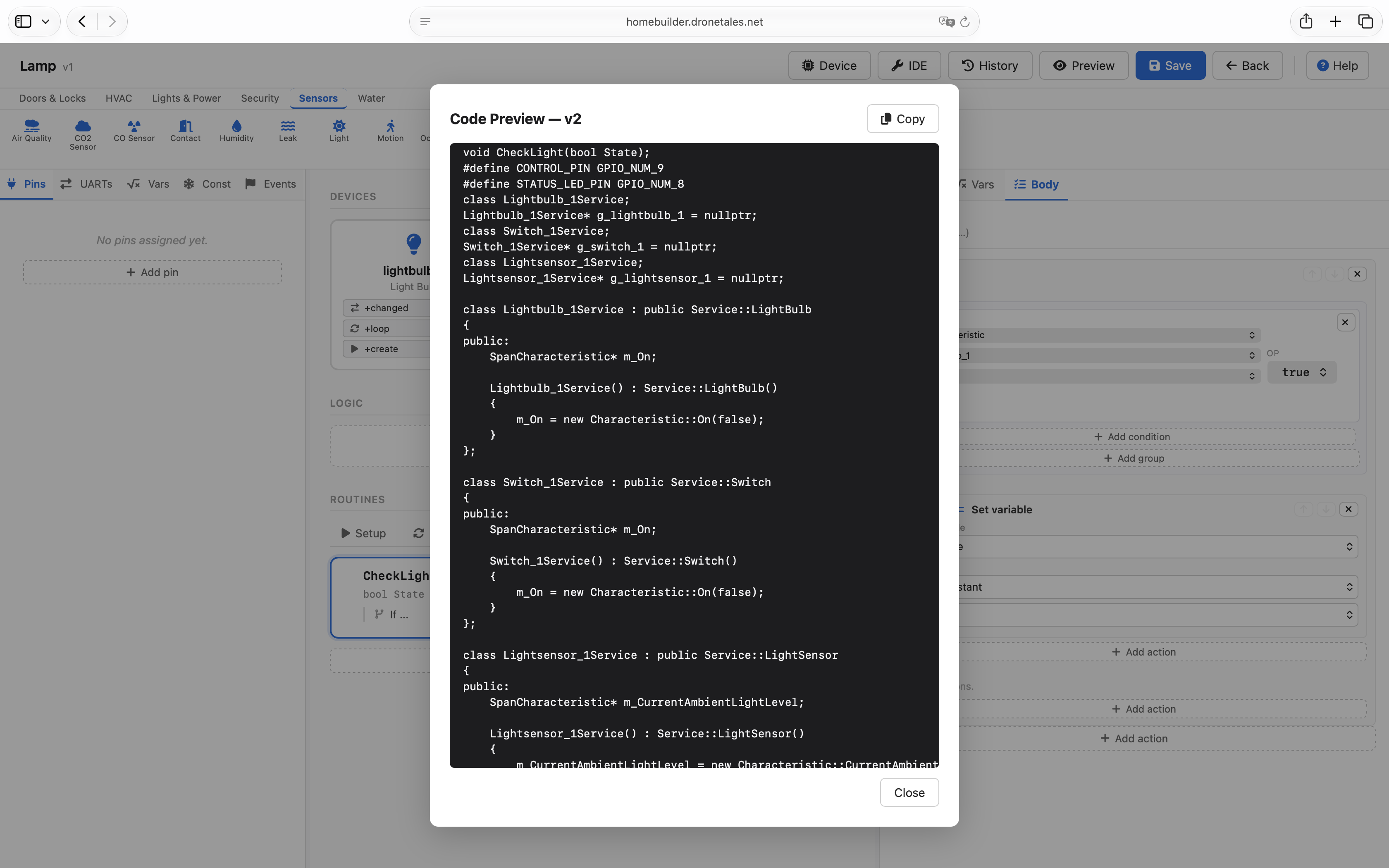
Drag accessories onto a canvas, wire up pins and logic, and download a ready-to-flash .ino
sketch. No boilerplate, no xTaskCreate, no guesswork.
Visual accessories
Drag HomeKit services — lightbulbs, switches, sensors — onto a canvas and connect them to the pins they belong to. Everything HomeSpan expects, laid out for you.
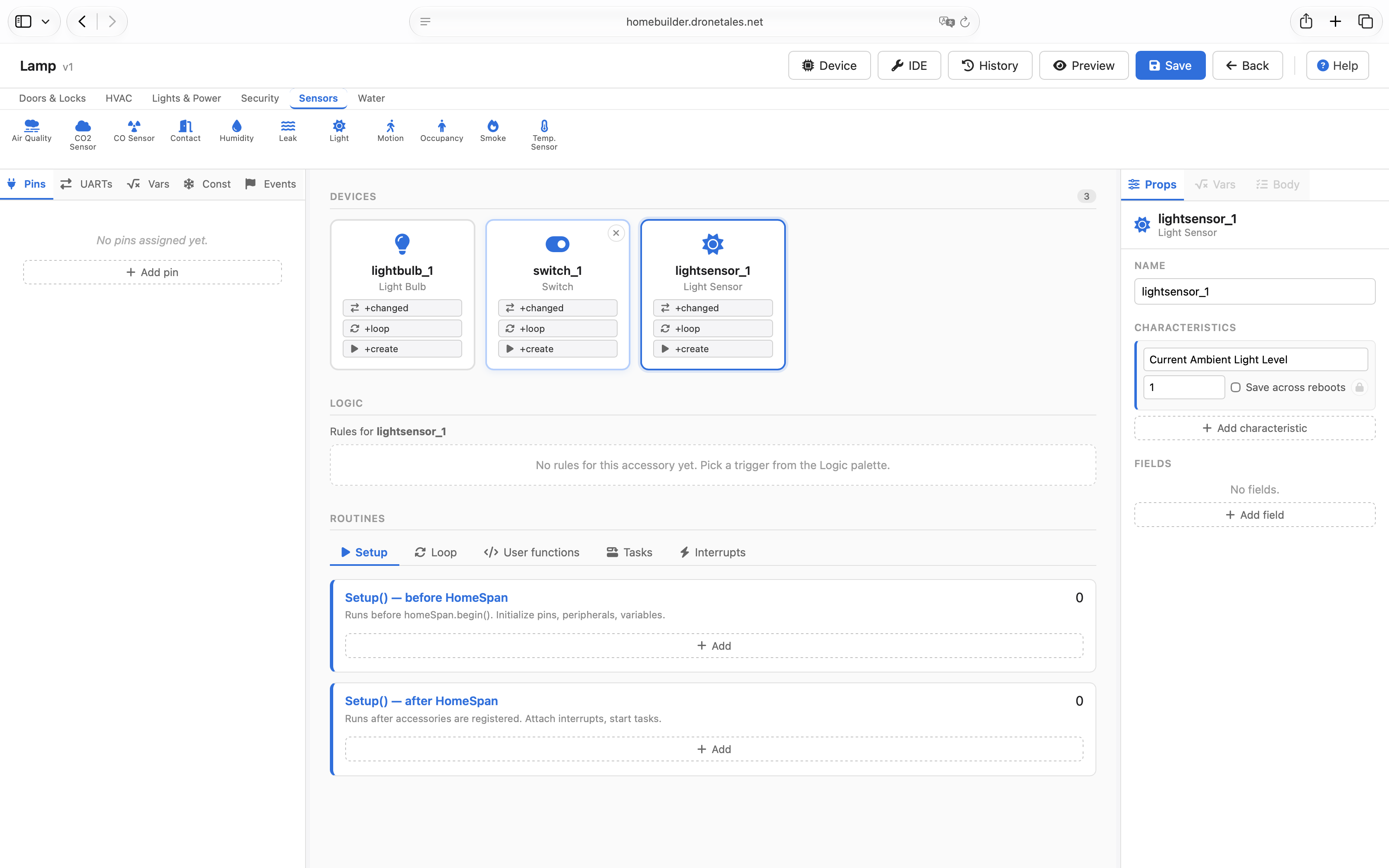
Pins and logic, without code
Configure input, output, pull-up, PWM, interrupts. Add rules that read like sentences: when the sensor drops below a threshold, switch the relay on.
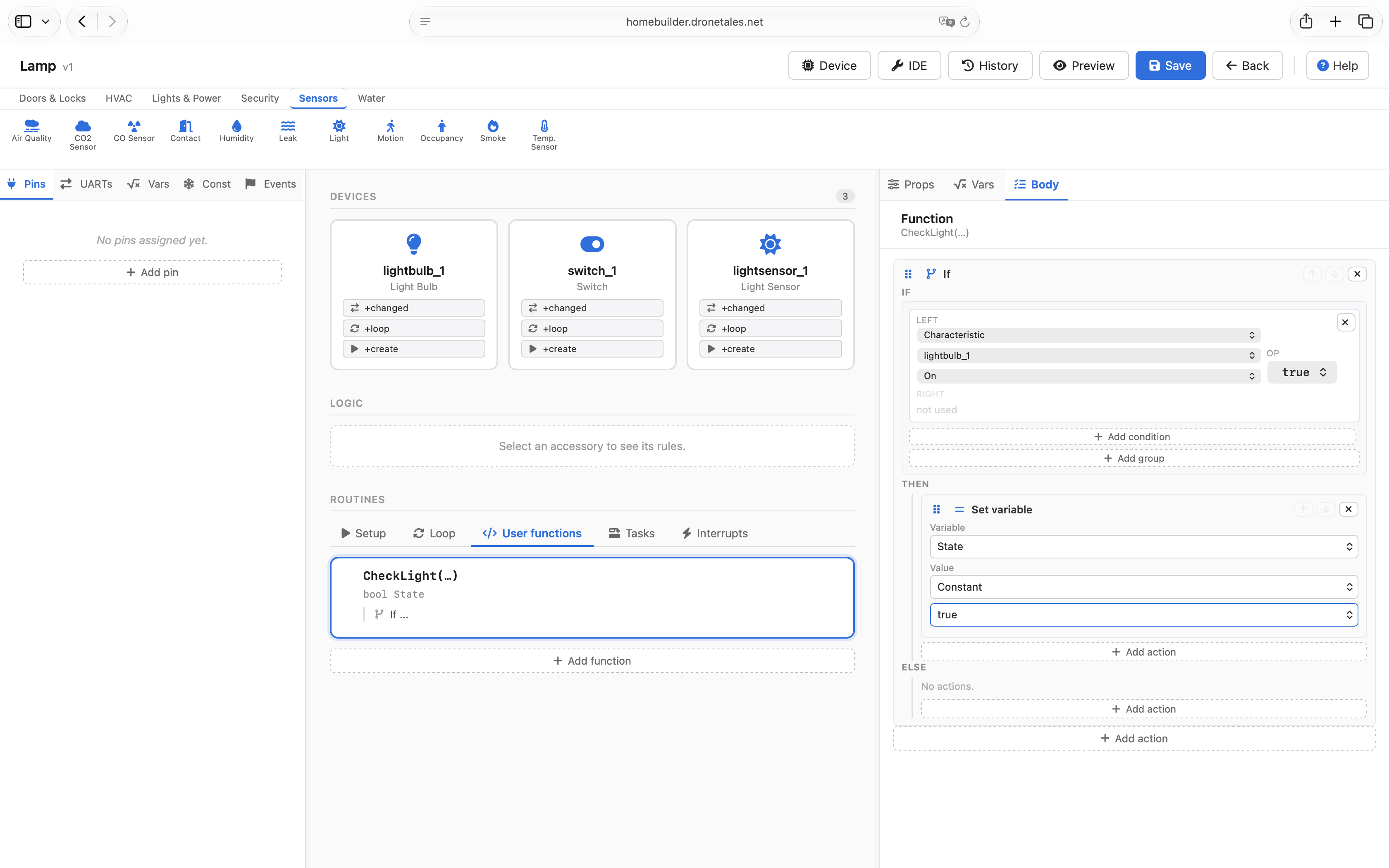
One-click .ino
FreeRTOS tasks, event groups, UART ports — set up visually and exported as a single Arduino sketch. Open it in the IDE, pick your board, hit upload.
Boards: ESP32 · ESP32-S2 · ESP32-S3 · ESP32-C3 · ESP32-C5 · ESP32-C6.